EnSi Tip
English-Sinhala-PopUp Dictionary
Using EnSiTip
Click on status bar EnSiTip icon to enable or disable the EnSiTip add-on.


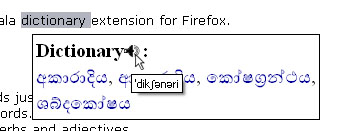
Hover the mouse on top of a word to see the translation(s).
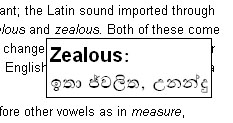
Double click to select a word and then replace it by choosing one from its translations.
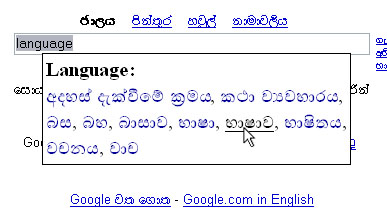
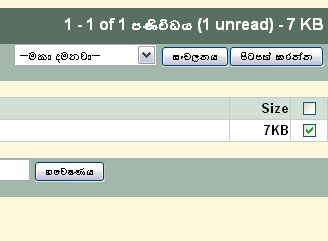
Hold down the shift key to obtain translations of text contained in form elements such as buttons, checkboxes etc. You can choose the replacement text by releasing the shift key.

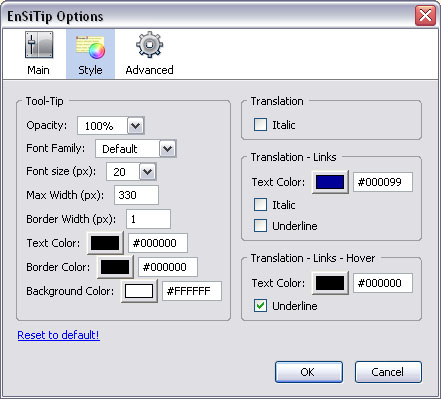
Right click on EnSiTip icon on status bar to choose your preferred settings. EnSiTip Settings include:
- Enable or Disable English to Sinhala translation functionality
- Enable or Disable Sinhala to English translation functionality
- Enable or Disable English word audio pronunciation (Required Real Player add-on for FireFox)
- Style (Font, Font Colors, Opacity) of the tooltip
- Translation delay on mouse hovering

If you have Enabled the Audio option, audio pronounce of English words can be obtained by hovering mouse over audio icon.